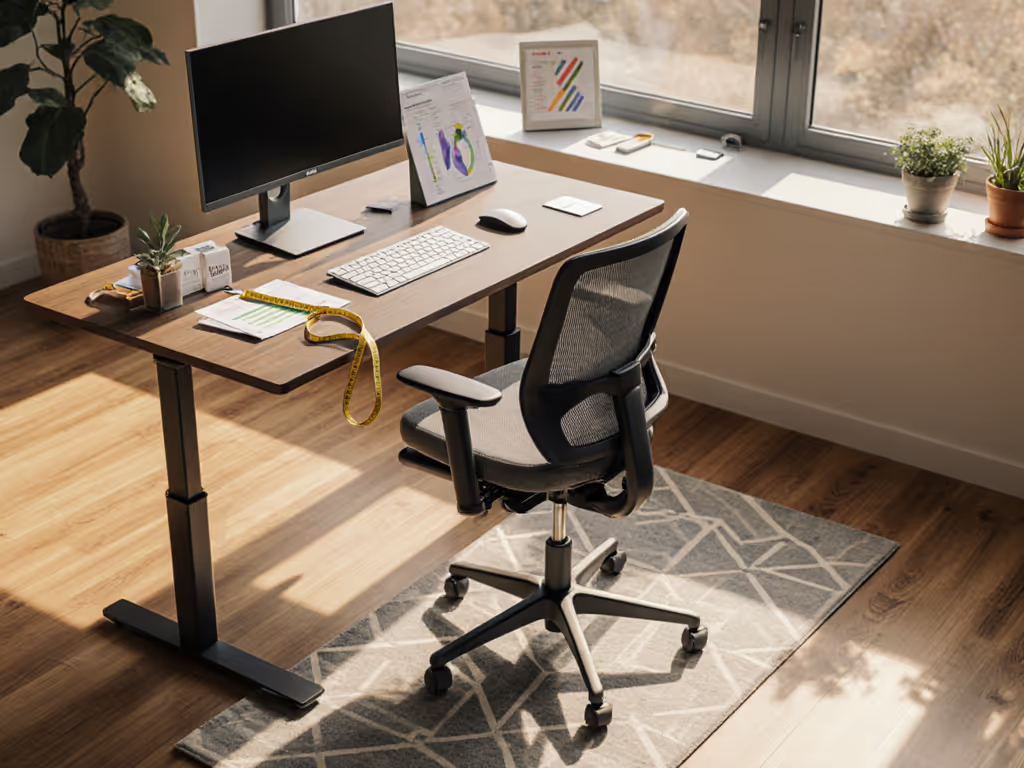
Ergochair Adapt Buyer's Guide: Find Your Fit
By Owen McKay • 4th Apr
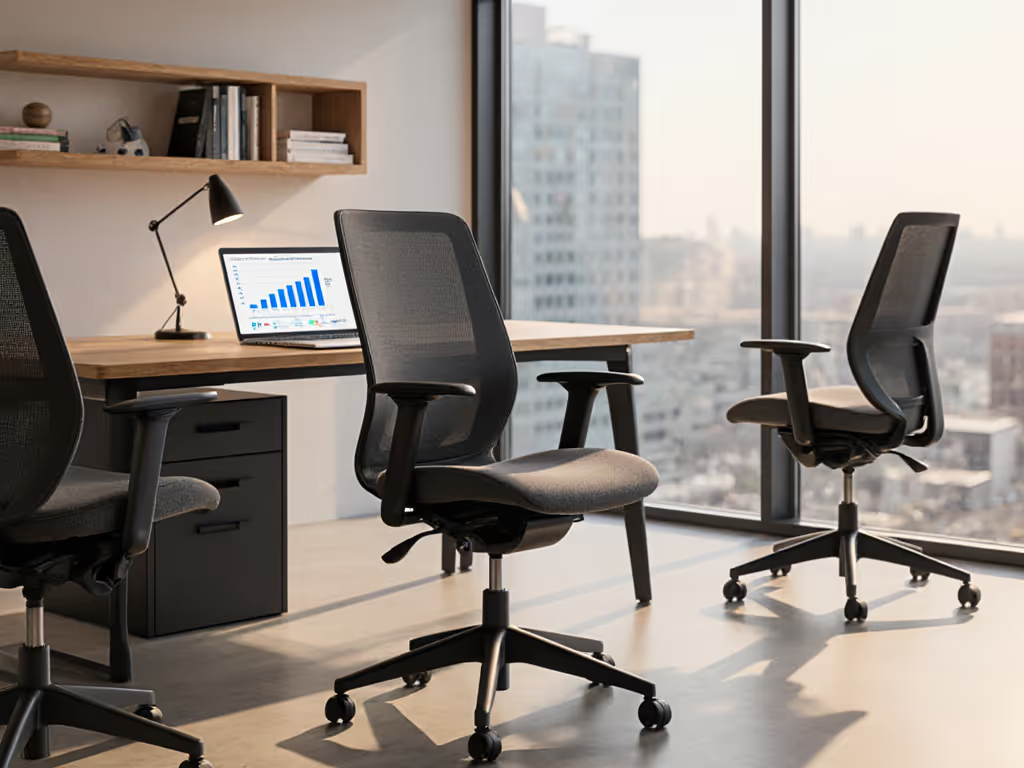
The Ergochair Adapt series buying guide helps you cut through the noise of marketing claims and dial in a fully adjustable desk chair that actually matches your body, not the other way around. The Adapt lineup spans five core models (from the accessible 610 to the comprehensive 680), each built around the same core principle: controls are the user interface, and your fit depends on how well you can tune them.
If you're drowning in chair reviews right now, I get it. There's endless chatter about lumbar depth, seat pan edge geometry, and recline tension. But here's the truth from years of onboarding teams: most people skip setup entirely or quit after ten minutes because the controls feel fussy or unclear. That's a missed opportunity. For a step-by-step walkthrough of initial adjustments, see our adjustable chair setup guide. Small fit tweaks compound into big comfort and focus dividends, and the Adapt series was built for exactly that kind of refinement.
Let me walk you through the logic of each model and show you how to find the one that earns its place in your workday.
Understanding the Adapt Series: What You're Really Buying
The Adapt family doesn't segment by flashy names or gaming aesthetics. Instead, it's organized around progressive adjustability and build consistency. Each step up adds tuning depth, not bulk.
Across the entire range, you'll find these shared foundations:
- Multiple back height options to match different postures and torso lengths
- Fully adjustable tilt and recline so you can lock or float based on your task
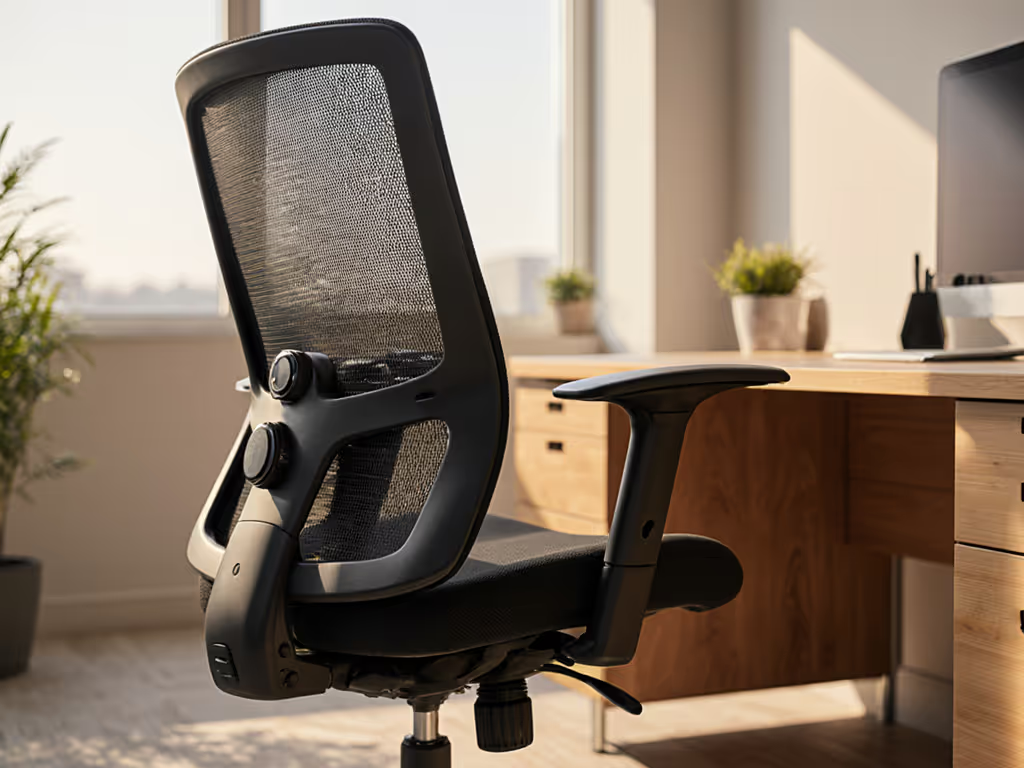
- Adjustable armrests (critical for the wrist and shoulder pain many of you live with)
- Consistent build quality designed for full-time, high-usage environments
The strategic difference? Lower models prioritize essential controls with intuitive mechanics. Higher models layer in advanced tension tuning, headrest options, and granular lumbar positioning. You're not overpaying for complexity you don't need (you're paying for the adjustments that actually matter to your body and workflow).
Model-by-Model: Finding Your Match
The Adapt 610 & 620: Strong Foundation
Think of these as the confidence builder for people coming off a basic office chair. The 610 gives you straightforward height adjustment, tilt control, and recline (the essentials). If you spend 6-8 hours seated but haven't prioritized fit, this is where you start.
The 620 adds a bit more nuance in recline and tension range, making it useful if your day involves shifting between deep focus work and collaboration (leaning back for calls, sitting upright for writing).
Best for:
- Limited budget, want more than basics
- Newer remote workers testing the ergonomic waters
- Predictable, single-posture workflows
The Adapt 630 & 640: Daily Workhorse
The 630 is positioned as the reliable chair for full-time office use, providing a more refined sit with ergonomic balance and adjustability. This is the sweet spot for most knowledge workers doing hybrid schedules. You get fine-grained seat height, tilt tension, and recline without overwhelming options.
The 640 pushes the envelope slightly further: better recline smoothness, armrest range, and back support nuance. If you're sitting for 8+ hours daily and your day involves varied tasks (deep work, meetings, light multitasking), this model begins to pull ahead.
Best for:
- Frequent day-long sitting
- Mix of focused work and video calls
- People who have experienced neck or shoulder tension
The Adapt 650 & 660: Precision & Upper Body Support
The 650 is where customization deepens. This model introduces more nuanced adjustability tailored to intensive sitting and frequent position changes. You get a height-adjustable headrest, fully configurable recline and tilt, and armrests that respond to your arm length and desk height. If your workday rhythm demands micro-movement (shifting between typing, writing, video work, and thinking), this model gives you the mechanical range to support it.
The 660 amplifies that advantage by adding enhanced back support options and lumbar height tuning. This is the model to choose if you need upper back and head support or you have a history of mid-back stiffness.
Best for:
- Need upper back + head support
- Intensive daily sitting (8+ hours) with posture variety
- Anyone who's experienced sciatica or tailbone pressure
- Teams fitting users across a broad height range
The Adapt 680: Maximum Adjustability
This is the reference standard of the series. The 680 sits at the top with advanced recline and tension settings plus comprehensive adjustability from headrest to base. Every adjustment lever, dial, and slider is labeled and accessible. No compromises on range or precision.
If you're self-optimizing your setup (measuring desk height, testing footrests, logging which recline angle cuts your afternoon slump), the 680 gives you the resolution to know what works.
Best for:
- Want maximum adjustability
- Custom setup or multi-user scenarios
- Data-driven fit validation
The Critical Controls: What Actually Matters
Here's where the author bias I'll own up to comes in: I've always favored chairs with intuitive levers, labeled controls, and wide adjustment ranges. The Adapt series delivers that in spades. But you need to know which levers matter most.
Height
Start here. Seated height should position your feet flat on the floor or footrest with knees at roughly 90 degrees. A seat height range of 15 to 22 inches will accommodate users from 5'0" to 6'4", so verify the chair's range against your body. The Adapt models all include pneumatic (gas cylinder) adjustment, meaning you adjust while sitting (no hunting for a wrench).
Seat Depth
This one catches people off guard. Seat pan depth should leave 2-3 fingers of space between the front edge and the back of your knee. Too deep, and you'll feel pressure behind your thighs. Too shallow, and you lose support. Confirm the Adapt model's depth matches your thigh length, especially if you're under 5'4" or over 6'2".
Backrest Angle & Tilt Tension
Your chair should recline smoothly but lock where you need it. Tilt tension prevents you from collapsing backward during calls and keeps you from muscling your posture upright during deep work. Most pain comes from static positions, so the ability to shift recline angle throughout the day (even by 5-10 degrees) reduces fatigue. To use recline strategically, consult our optimal recline angles guide.
Armrests
If your armrests don't adjust for height and depth, they're a liability. They should support your forearms at desk height, keeping your shoulders relaxed and your wrists neutral while typing. Fixed or poorly designed armrests drive so much elbow, wrist, and shoulder strain.
Lumbar Support
Don't chase the marketing myth of "perfect posture." Instead, use lumbar support to reduce end-of-day lower back fatigue. The Adapt models with adjustable lumbar (650 and up) let you dial depth and height. Start with gentle support and increase only if you notice pain (you want alignment, not artificial rigidity). Learn how proper lumbar support maintains your spine's natural curve.
Headrest (650+)
If you're on video calls most of the day, a height-adjustable headrest prevents your head from jutting forward 2-3 inches, which over time creates neck and shoulder strain. The 650 and 680 deliver on this front with positioning that moves up, down, and forward/back.
Matching Controls to Your Body and Workflow
This is where confidence kicks in. Think about your workday rhythm, your pain history, and your actual desk setup (not the marketing ideal).
For Smaller Frames (<5'4")
Your main risk is a seat that's too deep or a backrest that's too tall, leaving you reaching or slouching. Prioritize models with multiple back height options and confirm seat depth. The 630 and 640 typically work well; the 660 offers extra precision on lumbar height for petite users with a history of lower back issues.
For Taller Users (>6'2")
The reverse problem: you need seat height at the top range and a backrest tall enough to support your mid-back, not just your lower back. The Adapt 630 and up are built with this in mind. The 660 and 680 give you the headrest and upper back tuning that saves your shoulders on long call days.
For High-Weight Users
Look for models rated for your weight (many professional chairs max out at 250 kg / 40 stone). The Adapt series builds for durability in high-usage environments, but confirm the gas cylinder and base specs match your needs. Recline tension and seat cushion density matter more than marketing jargon here.
For Varied Task Workflows
If your day fragments into writing, meeting, analysis, and video work (each demanding a different posture), your controls need responsiveness. The 650+ models, especially the 680, let you preset and save positions or shift recline angle without fussing. That time-boxed flexibility compounds over weeks.
A Quick Decision Framework
Here's a stepwise way to narrow your choice:
- Budget ceiling: Are you spending $800-900, or $1,000+? That naturally segments 610-640 vs. 650-680.
- Daily sitting load: 6 hours or less, full-time, or extreme (12+ hours with posture variety)? Lighter users often max out at 630; high-volume users benefit from 650+.
- Body dimensions: Confirm seat depth, back height, and armrest range against your measurements. This is where many people go wrong (they ignore spec sheets and regret it).
- Pain history: No history or mild ache? Start with 630. History of sciatica, mid-back stiffness, or neck strain? Jump to 650+. The adjustability difference pays for itself in fewer pain days.
- Control preference: Do you love tuning details (headrest micro-adjustments, lumbar height lockouts), or do you want set-and-forget simplicity? Adjust accordingly (640 vs. 680).
I once sat in on a rollout where we had limited time to dial in fit across a mixed team. We mapped thigh clearance, set seat depth, adjusted tilt tension, and saved each person's profile on cards. Two weeks later, fewer break tickets and happier shoulders. The difference wasn't the chair model (it was treating the setup like a first-time ritual, not an afterthought). That's when I committed to the principle: small fit tweaks compound into big comfort and focus dividends.
Your Next Steps
Action 1: Measure Your Body Know your seated height, thigh length, torso height, and arm reach. Use these specs to eliminate models that don't fit your dimensions. (The Human Solution's ergonomic calculator can help you map this if you're starting from scratch.)
Action 2: Try Before You Commit If possible, test the 630 and 650 side-by-side for 10-15 minutes each. Adjust height, recline, and armrest angle. Feel for responsiveness and intuitive control. This 15-minute trial often resolves weeks of analysis paralysis. Bring this pre-purchase task chair evaluation checklist to structure your test and avoid common blind spots.
Action 3: Plan Your Setup Day When the chair arrives, give yourself 20 minutes to adjust height, recline tension, armrest height, and lumbar depth. Follow the official setup guide, take photos or notes, and test throughout the day. Micro-adjustments on day two or three are normal.
Action 4: Set a Follow-Up Review Schedule a comfort check-in at two weeks and eight weeks. Is end-of-day fatigue lower? Neck or shoulder tension gone? If adjustments aren't solving it, one more tweak usually does. Confidence with controls is half the battle (small persistence wins).
The Ergochair Adapt series buying guide boils down to this: match your body to the right model, learn its controls, and tune it over your first month. You're not looking for a magic chair. You're looking for the mechanical range and build quality to support the workday you actually live, not the one a marketer invented. The Adapt lineup delivers exactly that.
Related Articles