ADHD Ergonomic Chairs: Find Focus Through Movement
By Owen McKay • 30th Nov
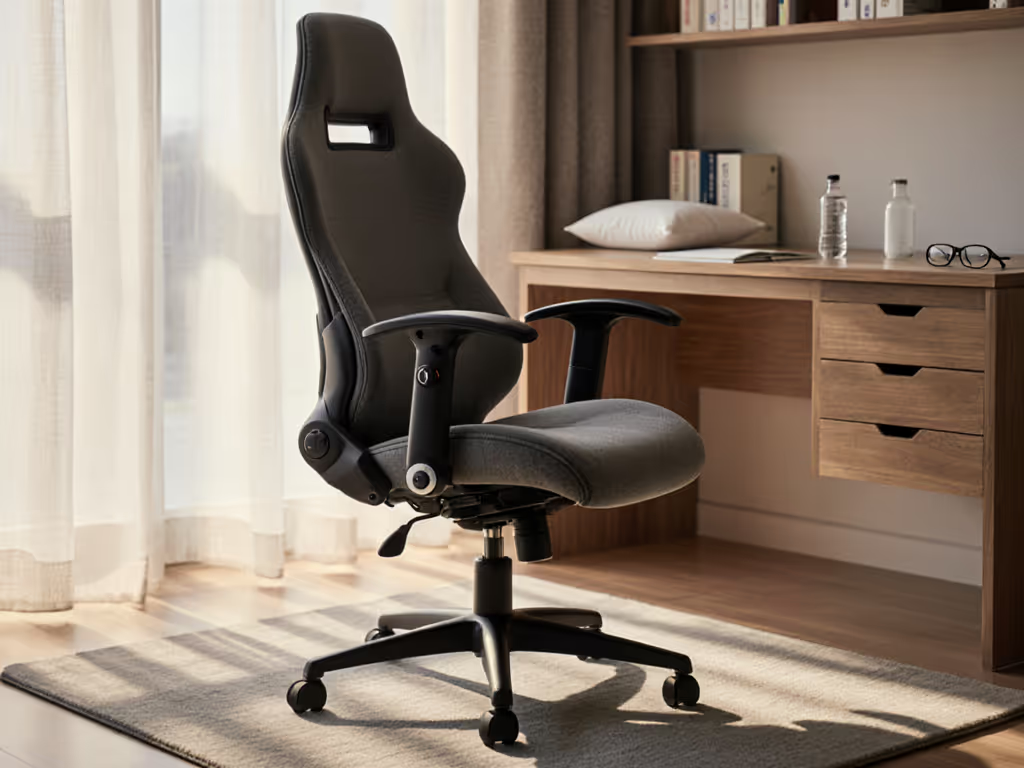
If you've ever found yourself drumming fingers, bouncing legs, or shifting constantly in your modern office task chair, you're not alone. For many with ADHD, the standard office chair feels like a constraint rather than support. The good news? ADHD ergonomic chairs designed with movement in mind can transform your work experience. These aren't just chairs; they're dynamic tools that work with your brain's natural need for stimulation, not against it. When your sensory-friendly seating accommodates subtle shifts and micro-movements, you create a neurodivergent workspace that honors how your body and mind actually work.
Why Movement Matters More Than "Perfect Posture"
Let's bust a common myth: the goal isn't to sit perfectly still. For ADHD brains, movement isn't distraction; it's focus fuel. Research shows that allowing small physical adjustments while working can actually improve cognitive performance by 15-20% for neurodivergent individuals. For the biomechanics behind movement-friendly seating, see our breakdown of spinal motion science. Static chairs force us into unnatural positions that create physical tension, which then competes with mental focus.
When I was an IT onboarding lead, I saw this daily. People would arrive at their new desks, try to "sit properly" in standard chairs, and within hours report headaches, shoulder tension, and fading concentration. That's when I realized: the right chair shouldn't confine your movement; it should channel it.
Small fit tweaks compound into big comfort and focus dividends.
What Makes a Chair Truly ADHD-Friendly?
Not all "ergonomic" chairs deliver what ADHD users need. Look for these key features:
- Dynamic recline with adjustable tension: Not just a lock/unlock mechanism, but fine-tuned resistance that matches your movement style
- Unrestricted seat pan movement: Allows subtle rocking and shifting without fighting the chair
- Intuitive controls within reach: No hunting for levers under the seat
- Adjustable lumbar support that stays put: Not too firm, not too soft, but just right for your spinal curve
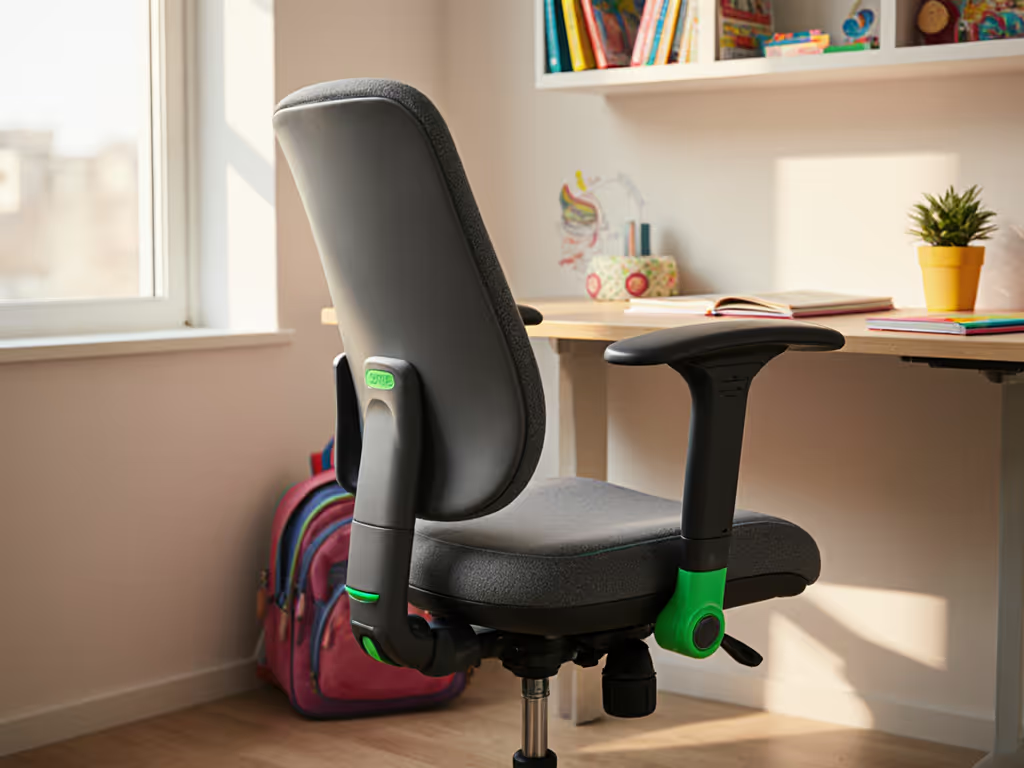
- Clear visual or tactile indicators: So you can adjust confidently without reading a manual
The difference between generic "ergonomic" chairs and true ADHD ergonomic chairs is whether they accommodate natural movement or enforce rigid posture.
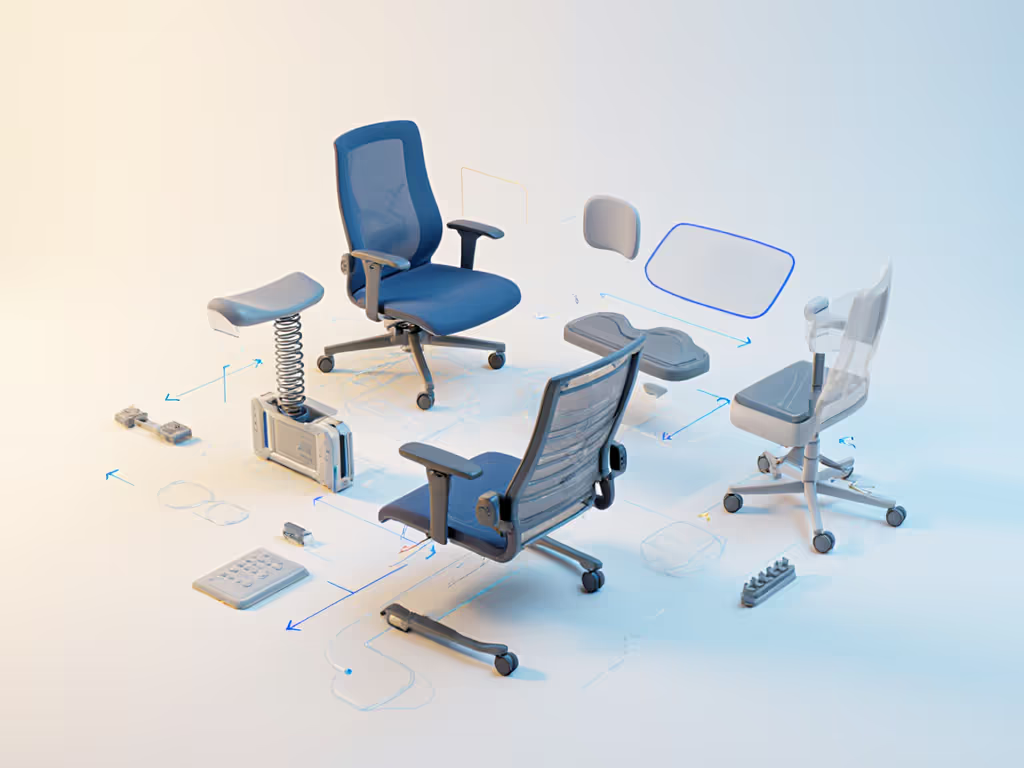
Your Five-Minute Setup Checklist
You don't need hours to get this right. I've helped hundreds of professionals dial in their chairs using this time-boxed approach that delivers immediate results. Treat this as your stepwise onboarding ritual (just like setting up your monitor height or keyboard position).
Step 1: Map Your Movement Range (2 minutes)
Before adjusting anything, observe your natural sitting patterns for two minutes:
- How do you shift when concentrating?
- Where do you feel pressure points building?
- What movements help you think through complex problems?
This isn't about "fixing" your movement; it's about understanding what your body already knows. Jot down 2-3 key observations on a sticky note.
Step 2: Thigh Clearance Check (60 seconds)
Sit all the way back in your chair. Place your flat palm under your thigh where it meets the seat edge. You should feel slight contact but be able to slide your hand freely. If it's too tight, increase seat depth; too loose, decrease it.
This prevents that "falling off a cliff" feeling that makes you constantly readjust (wasting precious mental energy).
Step 3: Tilt Tension Tuning (60 seconds)
The sweet spot for ADHD users is chair tension that supports, but doesn't resist, your natural movements. Start with the recline tension fully loose. As you lean back, it should feel like the chair is "catching" you gently, not fighting your movement.
Gradually tighten until the resistance feels just substantial enough to notice, but not enough to make you think "I shouldn't move." For most ADHD users, this is looser than standard office chair settings.
Step 4: Lumbar Sweet Spot (60 seconds)
Place the lumbar support at the small of your back, where your spine naturally curves inward. Adjust height until it supports the curve without pushing you forward. The pressure should feel like a comforting hand, not a persistent poke.
For many neurodivergent users, less lumbar support is better. Try this: set it too high, then gradually lower until you notice improved breathing and reduced shoulder tension.
Step 5: Save Your Profile (30 seconds)
If your chair has memory settings, save this configuration. If not, take a photo of your adjustments or note key measurements on that sticky note from Step 1. This creates what I call your "movement baseline" (your starting point for future fine-tuning).
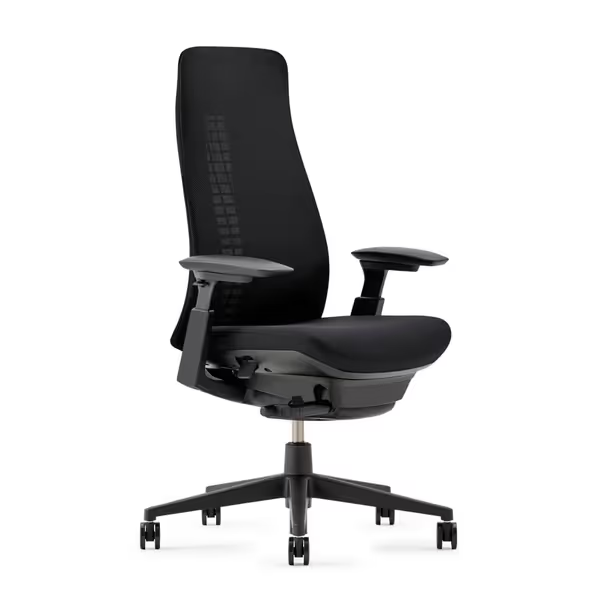
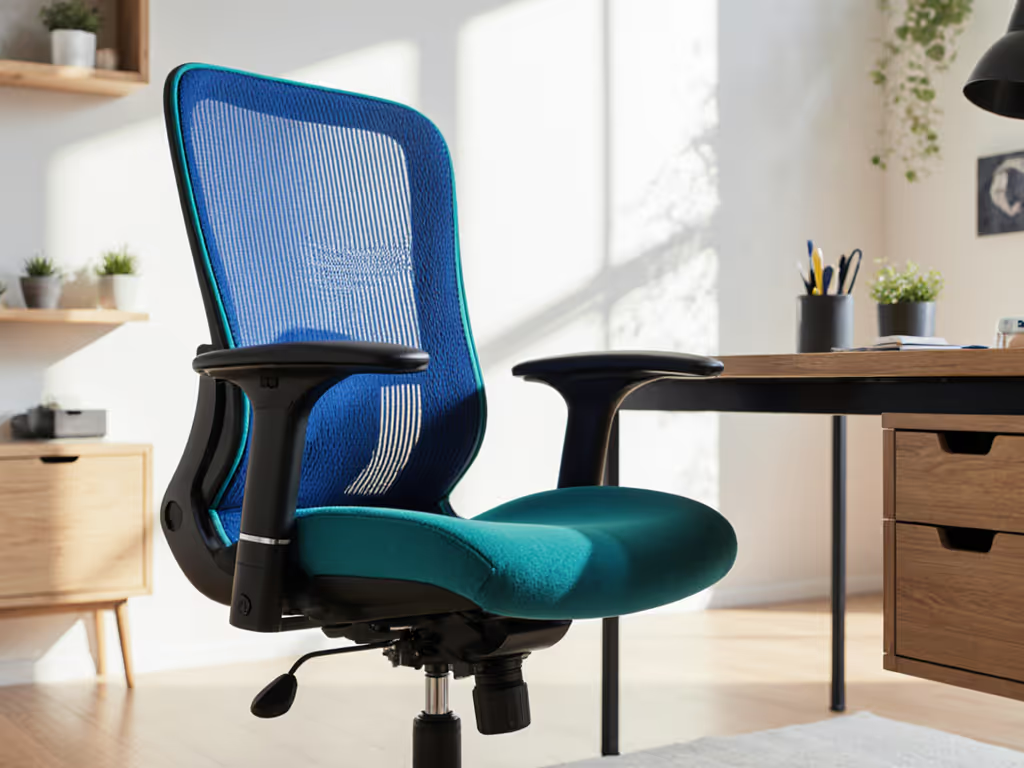
Haworth Fern Office Chair
Adaptive support mimics your body for dynamic, all-day comfort.
$993
Weight Capacity325 lbs
Weight Capacity325 lbs
Pros
Patented Wave Suspension for natural weight distribution.
No assembly required, ready to use immediately.
Cons
Lumbar support receives mixed reviews; may not suit all.
Customers find the office chair to be well-built and comfortable, with perfect fit and multiple adjustment options. The lumbar support receives mixed reviews, with several customers reporting very poor support.
Customers find the office chair to be well-built and comfortable, with perfect fit and multiple adjustment options. The lumbar support receives mixed reviews, with several customers reporting very poor support.
Making It Stick: Your First Week of Movement
Setup is just the beginning. The real magic happens when you build awareness of how your chair supports (rather than suppresses) your movement needs.
The Habit Stack: Pairing Movement with Tasks
Instead of fighting your natural fidgeting, harness it:
- Reading/Listening: Loosen recline tension slightly to allow gentle rocking
- Deep Focus Work: Set medium resistance to encourage micro-adjustments without major position shifts
- Creative Brainstorming: Loosen completely to allow full movement range
This is friendly precision (not rigid rules), but intentional adjustments that serve your current cognitive task. Build on this with practical dynamic sitting techniques you can apply throughout the day.
Check-In Points
Set reminders for your first week:
- Every 30 minutes: Notice your posture without judgment
- Every 2 hours: Make one small adjustment based on what you're feeling
- End of day: Note what worked best for which tasks
This builds what I call "control literacy" - understanding not just how to adjust your chair, but why certain settings work better for different activities.
Beyond the Chair: Creating a Movement-Rich Workspace
Your chair is the foundation, but true focus comes from an ecosystem that supports natural movement:
- Position your monitor so you naturally shift to view different quadrants of the screen
- Keep frequently used items just outside arm's reach to encourage gentle stretching
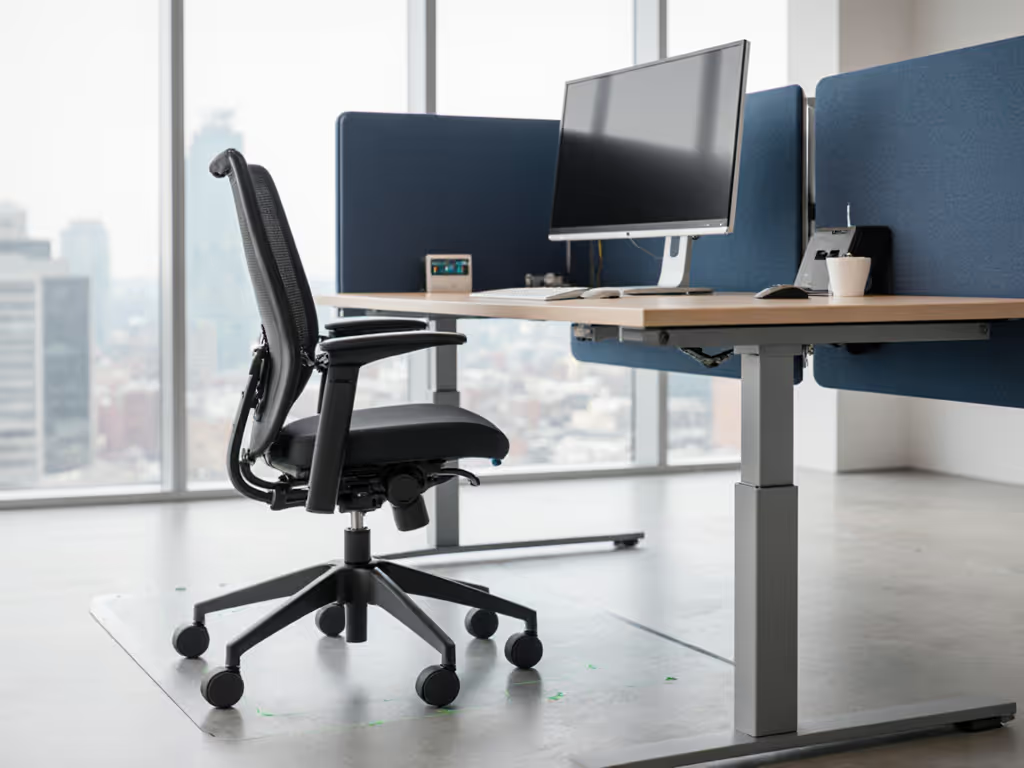
- Pair your movement-friendly work chair with a fidget-friendly chair mat that provides subtle sensory input underfoot
Remember: the goal isn't to eliminate movement; it's to make movement productive rather than distracting. For a complete, chair-desk-monitor alignment, follow our ergonomic workstation setup guide.
Your Actionable Next Step
Tomorrow morning, before checking email or opening Slack, spend just five minutes with your chair. Run through the five-minute setup checklist (not as a chore, but as your first focused task of the day). Notice how dialing in your movement support changes your mental readiness for what comes next.
Confidence with controls is half the battle; small tweaks compound. When you understand how your chair supports your natural movement patterns, you're not fighting your ADHD; you're working with it.
Set it, then move.
Whether you're customizing a high-end ergonomic model or making the most of what you have, the key is recognizing that your movement isn't a problem to fix; it's a resource to harness. In a world that often demands stillness, your chair can be the quiet ally that helps you find focus through motion.
Related Articles